Services Signage Marketing AI Studio Work Studio Blog Contact
§ Product — Enterprise Digital Signage

One platform to run every screen you own.

Our Enterprise Digital Signage Platform is an end-to-end content management and playback system — upload media, build playlists and multi-zone layouts, schedule by daypart, push to any screen, and monitor it all live. Multi-tenant, offline-first, and built to scale from one lobby display to a thousand.

◆ Multi-tenant CMS ◆ Offline-first players ◆ Android & LG webOS ◆ Live monitoring ◆ Web & live-stream content ◆ Proof-of-play ◆ EN · AR · JA
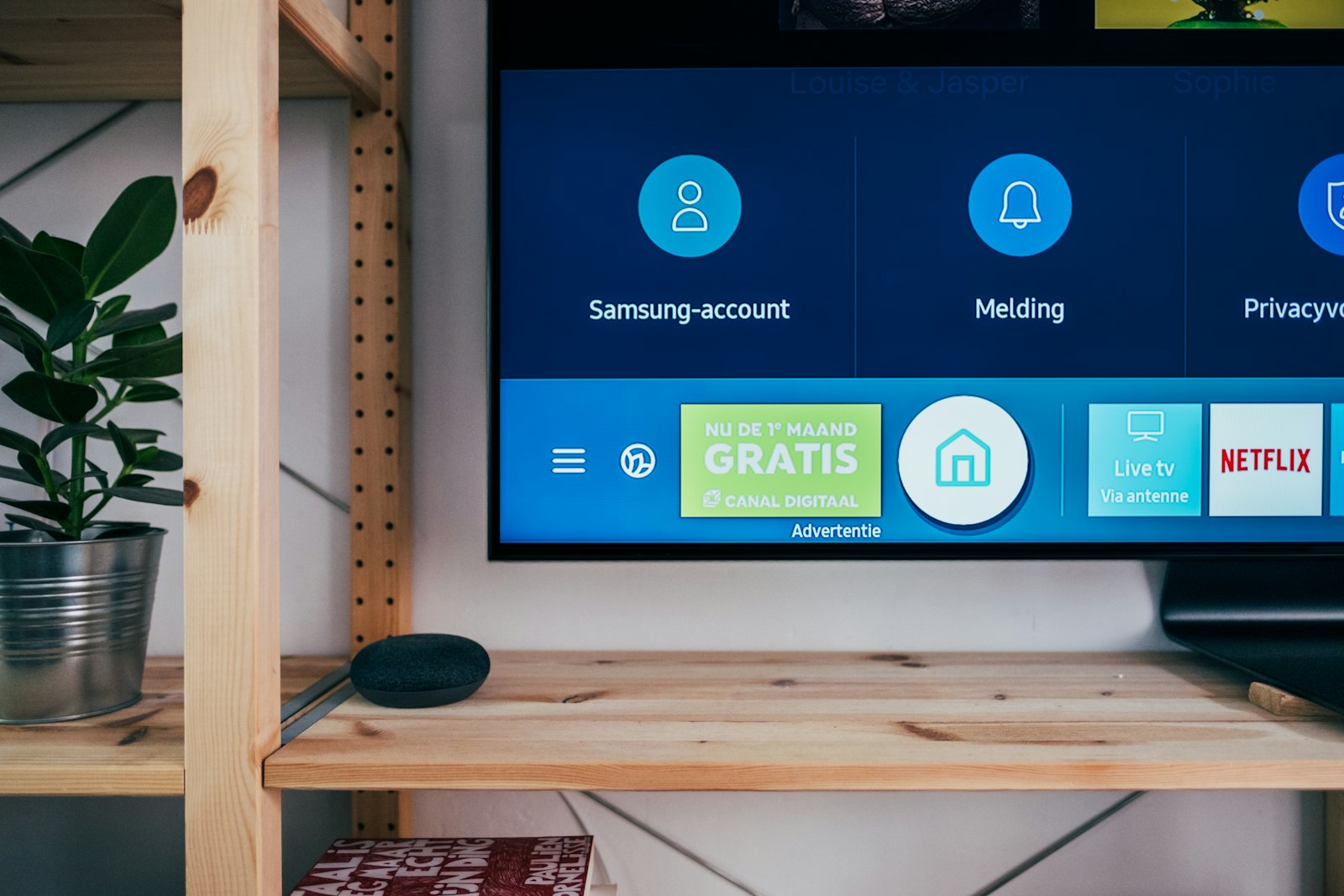
A wall-mounted digital display showing an on-screen content menu
Content Library Playlists Layout Designer Dayparting Offline Sync Live Monitoring Analytics Web Streaming Webhooks Content Library Playlists Layout Designer Dayparting Offline Sync Live Monitoring Analytics Web Streaming Webhooks
§ 01 — The screen

Split one display into zones that each tell their own story.

Design pixel-perfect layouts in the browser — a hero video here, a rotating menu there, a live ticker along the bottom and a clock in the corner. Every zone plays its own playlist on its own schedule, and the whole composition syncs down to the screen as a single offline bundle.

Main zone — featured video & promos Side zone — rotating product playlist Ticker — live text & announcements Clock widget — local time, any timezone
Live
Main
Side
14:32
★ Welcome to Gate A12 · Boarding 14:50 · Today's special: filter coffee ₹40 · Wi-Fi: GUEST-NET · ★ Welcome to Gate A12 · Boarding 14:50 · 
§ 02 — Built to scale

Engineered for fleets, not just a screen or two.

0
Screens per tenant
100%
Offline playback
0
Player platforms
24/7
Live monitoring
§ Module 01

Content Library

A proper media store on object storage — upload once, organise cleanly, and reuse everywhere. Plus file-less content — widgets, live web pages and streams — for everything that changes by the minute.

ImagesVideoFoldersTagsVersioningTextTickerClockWebStream
See the library in a demo
  • Direct-to-storage uploadsBrowser uploads straight to S3/MinIO with per-file progress, automatic thumbnails and ETag de-duplication — bytes never bottleneck through the server.
  • Folders, tags & searchOrganise thousands of assets, filter by type or folder, and find anything in seconds.
  • Versioning & quotasRe-upload to bump a version while keeping history; per-organisation storage quotas keep tenants in their lane.
  • Dynamic widgetsText, scrolling ticker and clock are config-driven content types — full typography, colours and live-animated scroll effects, no file required.
  • Web & live-stream contentEmbed a live web page or dashboard, or play a stream — RTSP, HLS, YouTube (live & VOD) or RTMP. Both are file-less: their config travels in the offline bundle and flows through the same playlist, layout and schedule pipeline as any asset.
◆ ◆ ◆
§ Module 02

Playlists & Layout Designer

Sequence content with a drag-drop builder, then arrange it on screen with a visual, multi-zone canvas — start from a template or design your own.

Drag & dropNested playlistsTransitionsMulti-zoneTemplatesPer-zone playlists
Walk through the builder
  • Visual playlist builderReorder items by drag, set per-item duration and fade transitions, and nest playlists inside playlists for reuse.
  • Multi-zone layoutsDrag and resize zones on a percentage-based canvas; each zone runs its own playlist independently.
  • System templatesFull-screen, 50/50 split, L-bar + ticker, picture-in-picture and 3-zone grid — clone one and tweak.
◆ ◆ ◆
§ Module 03

Scheduling & Dayparting

Show the right content at the right time. Schedule by date range, weekday and time window — or by an absolute window or a one-time play — resolved per device in its own timezone, with overlapping schedules rotating by priority and emergency overrides on top.

DaypartingRecurrencePriorityEmergency overrideHolidaysPer-device TZRotationAbsolute windowsOne-time
Plan a rollout with us
  • Time-of-day playbackBreakfast menu in the morning, dinner specials at night — daily and weekly windows, including overnight spans.
  • Rotation & emergenciesOverlapping schedules no longer fight for one slot — they rotate, each taking a full turn in priority order — while an emergency schedule instantly and exclusively takes over every targeted screen.
  • Absolute windowsBeyond daily and weekly recurrence, run content between two exact date-times — a launch week or a seasonal promo — each resolved in the device's own timezone.
  • One-time playsSchedule something to run exactly once; the screen reports back when it's done and the schedule auto-retires, with a one-click reschedule to run it again.
  • Holiday calendarsDefine org holidays once and let schedules skip them automatically.
  • Target devices or groupsPoint a schedule at a single screen, a nested group, or a whole region.
◆ ◆ ◆
§ Module 04

Live Monitoring & Control

See every screen in real time over WebSockets — what's playing now, device health, and live logs — and push commands the moment you need them.

Real-time statusNow-playingTelemetryRemote commandsLive logsOffline alerts
See the operations console
  • Now-playing reconstructionThe console rebuilds each screen from its reported playback and zone geometry — video-safe, cross-platform, no fragile screenshots.
  • Health & telemetryOnline/offline transitions, storage, and device telemetry stream live; offline screens raise alerts automatically.
  • Instant remote commandsReboot, re-sync or clear cache pushed over the live channel, with a durable poll-and-ack fallback offline.
◆ ◆ ◆
§ Module 05

Analytics & Proof-of-Play

Know what actually played, where, and how often. Interactive dashboards, CSV exports and scheduled email reports — with opt-in proof-of-play for advertisers and compliance.

Playback reportsDevice & errorStorage & bandwidthCSV exportScheduled reportsProof-of-play
Talk reporting & PoP
  • Proof-of-playOpt-in, per-org and per-device — every asset play is recorded and uploaded, ideal for billing advertisers and audits.
  • Operational reportsPlayback, device uptime, errors, storage and estimated bandwidth — filter by date, device or group.
  • Exports & schedulesDownload any report as CSV on demand, or have it emailed daily, weekly or monthly.
§ 03 — Players

Runs on the screens you already have.

🤖 Android · Flutter

Android player

A purpose-built kiosk player for Android media boxes and panels — locked down for unattended, always-on duty.

  • Kiosk / device-owner lock-down & auto-relaunch
  • Offline-first: plays from local cache with no network
  • Gapless video & multi-zone layout rendering
📺 LG · webOS

LG webOS player

Runs natively on LG commercial (webOS) displays — no external box, no extra hardware to mount or power.

  • Native install on LG signage panels
  • Local content store for full offline playback
  • Same layouts, playlists & schedules as every player
Offline-first

Sync engine

Every player pulls one signed, hashed offline bundle — schedules, playlists, layouts and media — and keeps playing through outages.

  • Change detection: re-syncs only when something changed
  • Signed media URLs; content cached on the device
  • Pairing-code onboarding, then device-token auth
§ 04 — The whole platform

Everything in the box.

Beyond playback, it's a complete enterprise backend — secure, multi-tenant and ready for IT.

01
🏢

Multi-tenant

Complete row-level isolation between organisations — one platform, many customers, zero data bleed.

02
🔑

Roles & RBAC

Granular, per-org roles and permissions — Org Admin, Manager, Operator and Viewer, plus custom roles.

03
🖥️

Operator portal

A fast, no-nonsense web console for content, devices, schedules, monitoring and reports.

04
📡

Device management

Pairing-based onboarding, groups, tags, bulk commands and per-device telemetry.

05
🔔

Notifications

In-app and email alerts for the events that matter — like a screen dropping offline.

06
🔗

Webhooks & API

Signed outbound webhooks and a documented REST API to wire signage into your stack.

07
🛡️

Security hardened

Rate limiting, CSP, audit logs, session control and password-reset flows out of the box.

08
🌐

Multilingual

Console localised in English, Arabic (RTL) and Japanese — ready for global teams.

§ 05 — How it works

From blank screen to broadcasting in five steps.

01

Pair a screen

Install the player, enter the on-screen pairing code in the console, approve it. The screen is now under management.

~ minutes
02

Add content

Upload media and create file-less content — text, ticker and clock widgets, live web pages and streams. Organise into folders, tag for reuse.

drag & drop
03

Build & arrange

Sequence playlists and lay out zones on the visual canvas — or start from a template.

no code
04

Schedule & publish

Set dayparts, target devices or groups, hit publish. Players pull the offline bundle and start playing.

instant
05

Monitor & report

Watch screens live, push remote commands, and review proof-of-play and analytics.

ongoing
§ 06 — Where it shines

Made for any wall worth watching.

RETAILStores & mallsPromos, menus, wayfinding
QSRRestaurants & cafésDigital menu boards by daypart
TRANSPORTAirports & transitLive info, gates & tickers
CORPORATEOffices & lobbiesInternal comms & dashboards
EDUCATIONCampusesAnnouncements & events
HEALTHHospitals & clinicsQueue & guidance screens
HOSPITALITYHotels & venuesWelcome & event signage
MEDIAAd networksProof-of-play billing
§ 07 — Questions

The things buyers always ask.

Yes — the platform is offline-first. Each player downloads a complete signed bundle (schedules, playlists, layouts and media) and plays entirely from local storage. It re-syncs automatically when something changes and the connection returns, so an outage never blanks your screens.
Everything from images and video to file-less content you build right in the console: rich text, scrolling tickers and clocks, plus live web pages or dashboards and video streams (RTSP, HLS, YouTube live & VOD, or RTMP). All of it flows through the same playlists, multi-zone layouts and schedules — and travels in the offline bundle so it keeps playing without a connection.
Two paths: an Android media box or panel running our Flutter kiosk player, or an LG commercial (webOS) display running the native player with no external box at all. Both render the same layouts, playlists and schedules.
Absolutely. The backend is multi-tenant with complete row-level isolation, so each organisation only ever sees its own content, devices and reports — backed by granular role-based access control within each org.
Yes — opt-in proof-of-play records every asset play per device and uploads it for reporting. Combined with the analytics dashboards and CSV/scheduled exports, it's everything you need to bill advertisers or pass an audit.
It ships with a documented REST API and signed outbound webhooks, so events (like a device going offline) can trigger your tools, and content or devices can be driven programmatically. We also build custom integrations as part of an engagement.
Both are possible. The whole stack is Dockerised and can run as a managed service we operate for you, or be deployed in your own cloud or on-premise. Let's scope what fits your security and scale needs.

Got screens to fill?
Let's light them up.

Tell us how many screens, where they are, and what you want them to do. We'll show you the platform live and map out a rollout that fits.